Notion? Für Entwickler/-innen? Eine berechtigte Frage. Es stimmt, unsere Plattform war nicht immer in erster Linie auf Entwickler/-innen ausgerichtet. Das ändert sich heute.
Wir stellen vor: die Notion Developer Platform.
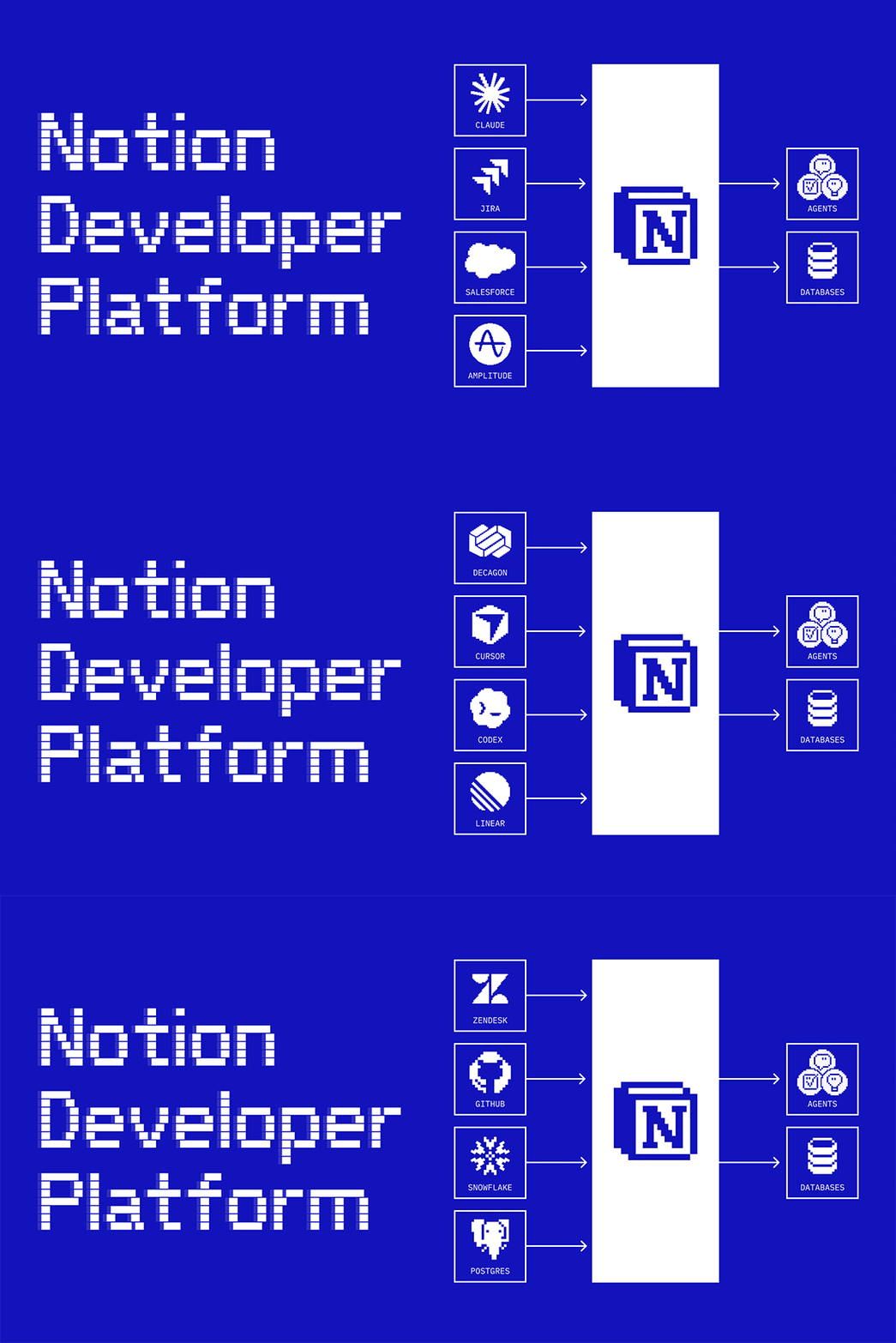
Jetzt kannst du (und deine Coding-Agenten) Code schreiben, um beliebige Daten zu synchronisieren und jedes denkbare Agenten-Tool zu entwickeln – und das alles auf unserer Infrastruktur. Außerdem kannst du deine Lieblingsagenten in Notion integrieren (z. B. Claude, Codex, Decagon oder von dir selbst entwickelte Agenten). Dadurch wird Notion zu einer gemeinsamen Leinwand mit all deinen Daten, auf der dein Team und deine Agenten zusammenarbeiten können.
Koordiniere alle Agenten deines Teams (Alpha)
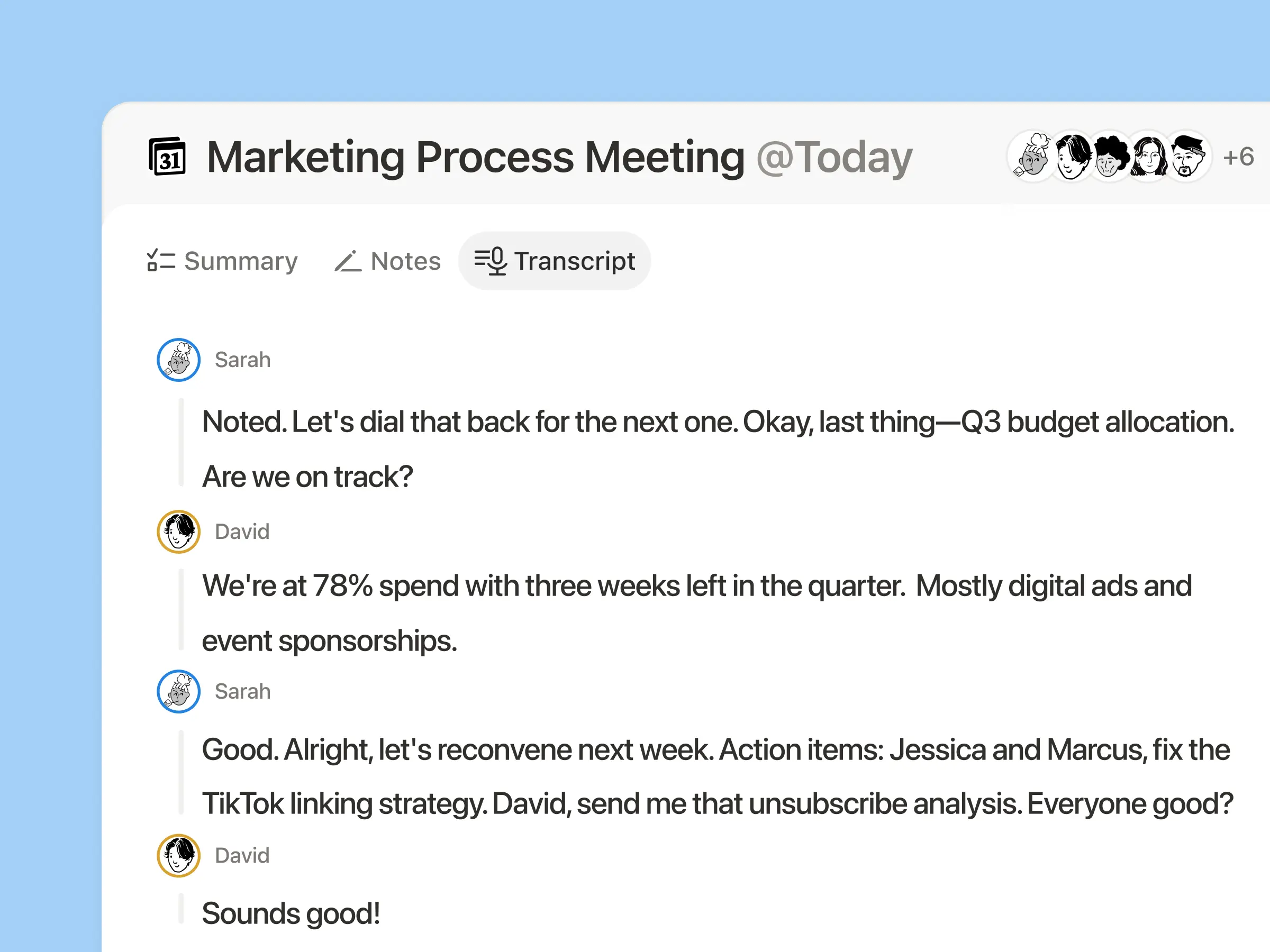
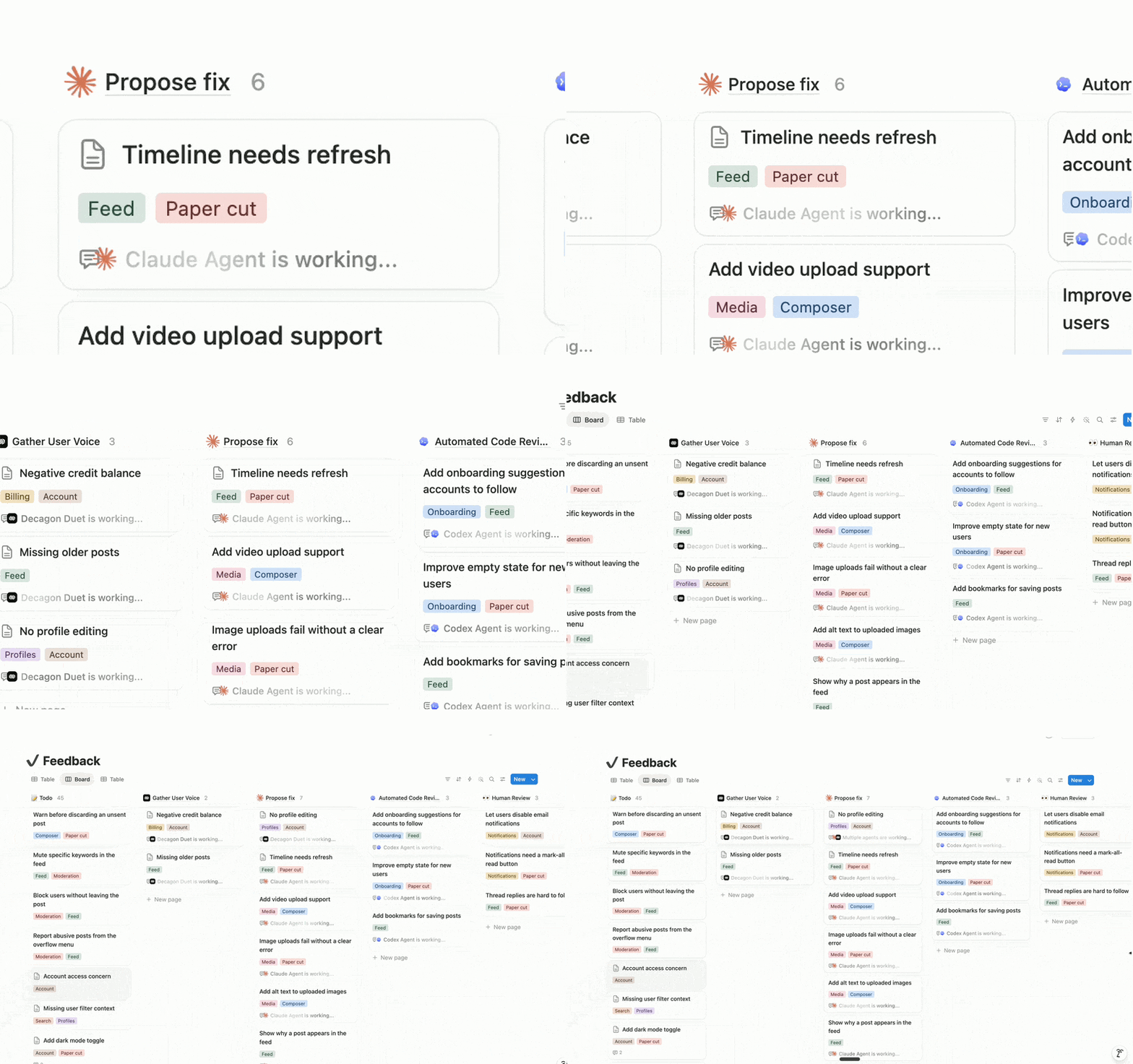
Integriere deine Lieblingsagenten mit der API für externe Agenten in Notion, sogar die, die du selbst entwickelt hast. Außerdem haben wir Partnerschaften mit Claude, Codex, Decagon und weiteren Anbietern geschlossen, sodass diese Agenten sofort einsatzbereit sind. Jetzt ist Notion deine Orchestrierungsebene: Ein Decagon-Ticket wird an deinen Coding-Agenten weitergeleitet, der eine Lösung vorschlägt und dein Team zur Genehmigung einbezieht. In Notion können alle mit Agenten arbeiten, nicht nur Entwickler/-innen. Lasse dich auf die Warteliste für externe Agenten setzen →
Notion ist unsere KI-Ebene, weil dort die Arbeit erstellt oder konzipiert wird – und wir möchten, dass unsere Agenten so nah wie möglich am Geschehen sind.
Synchronisiere jede beliebige Datenquelle (Beta)
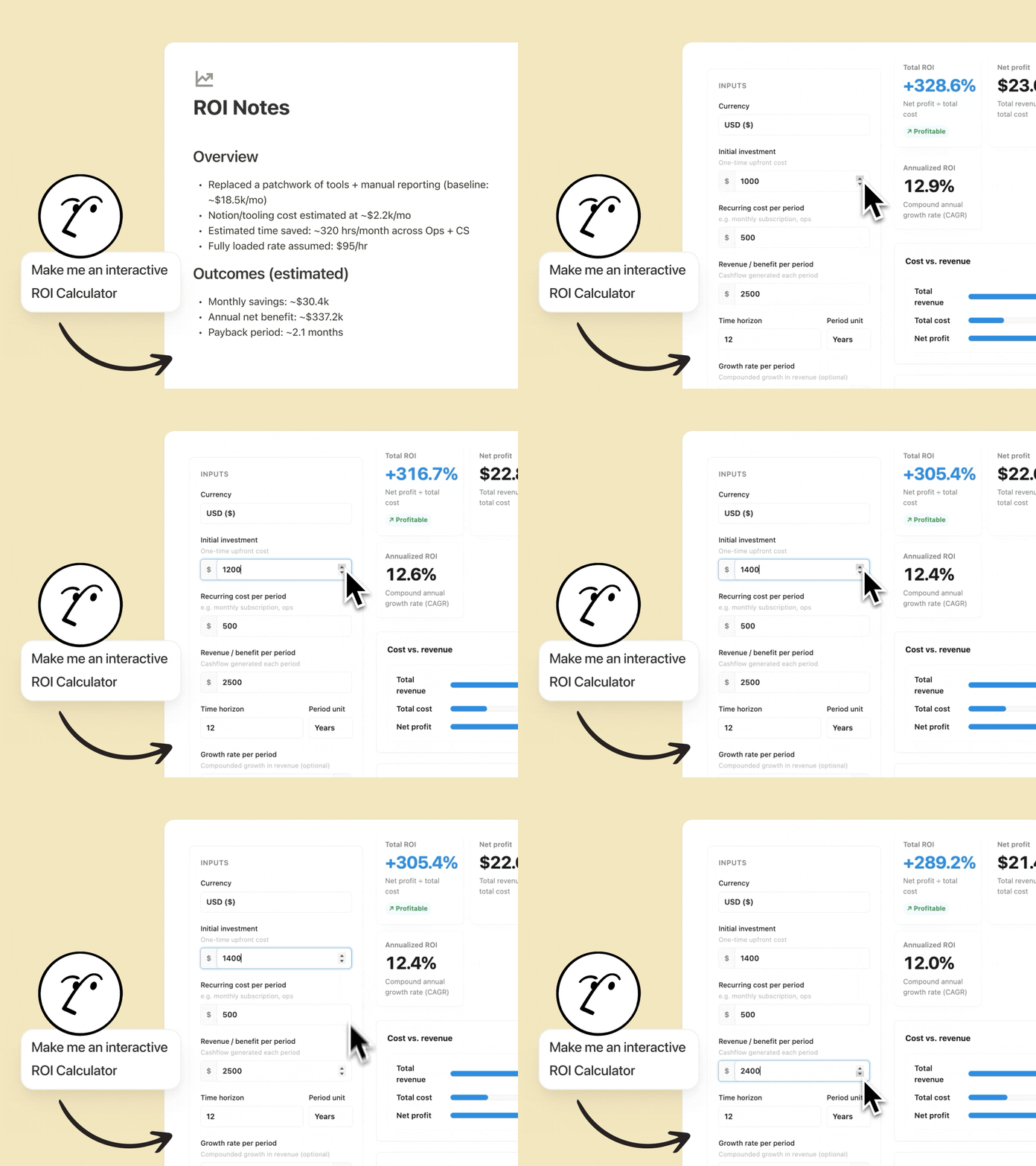
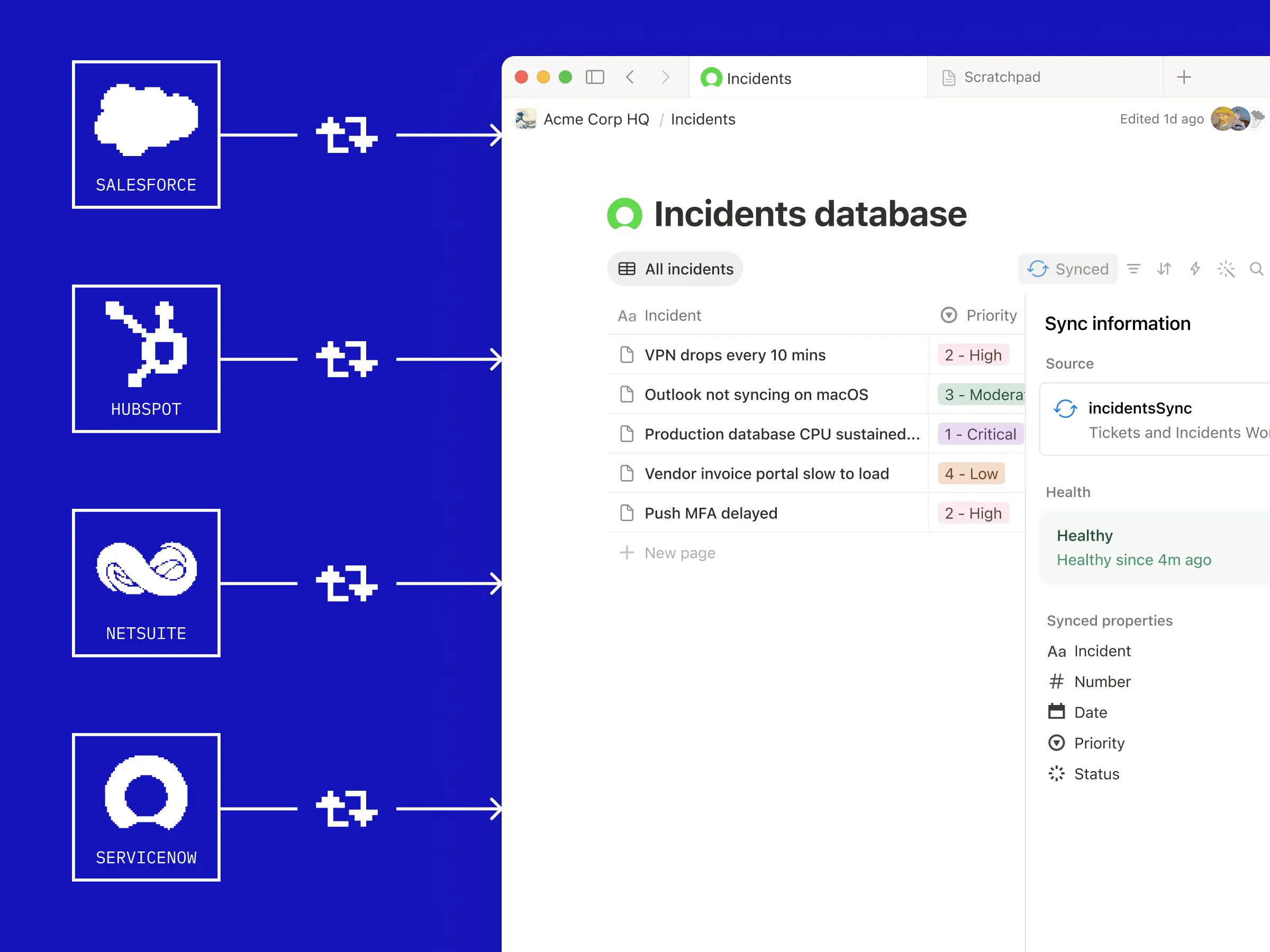
Synchronisiere jede beliebige Datenquelle über eine API mit deinen Notion-Datenbanken. Dein Team muss keine Server verwalten. Unsere neue Datenbanksynchronisierung basiert auf Workern, die auf unserer Infrastruktur laufen (mehr dazu später). Rufe Tickets aus Zendesk ab, damit Agenten erste Überlegungen zur Lösung anstellen können. Synchronisiere Kundendaten aus Salesforce, damit Agenten detaillierte Berichte erstellen können. Verbinde Daten von Strava und Spotify, um die perfekte Playlist für dein Lauftraining zusammenzustellen. Welchen Kontext du auch immer benötigst, du kannst ihn jetzt in Notion aufbewahren. Demo ansehen →
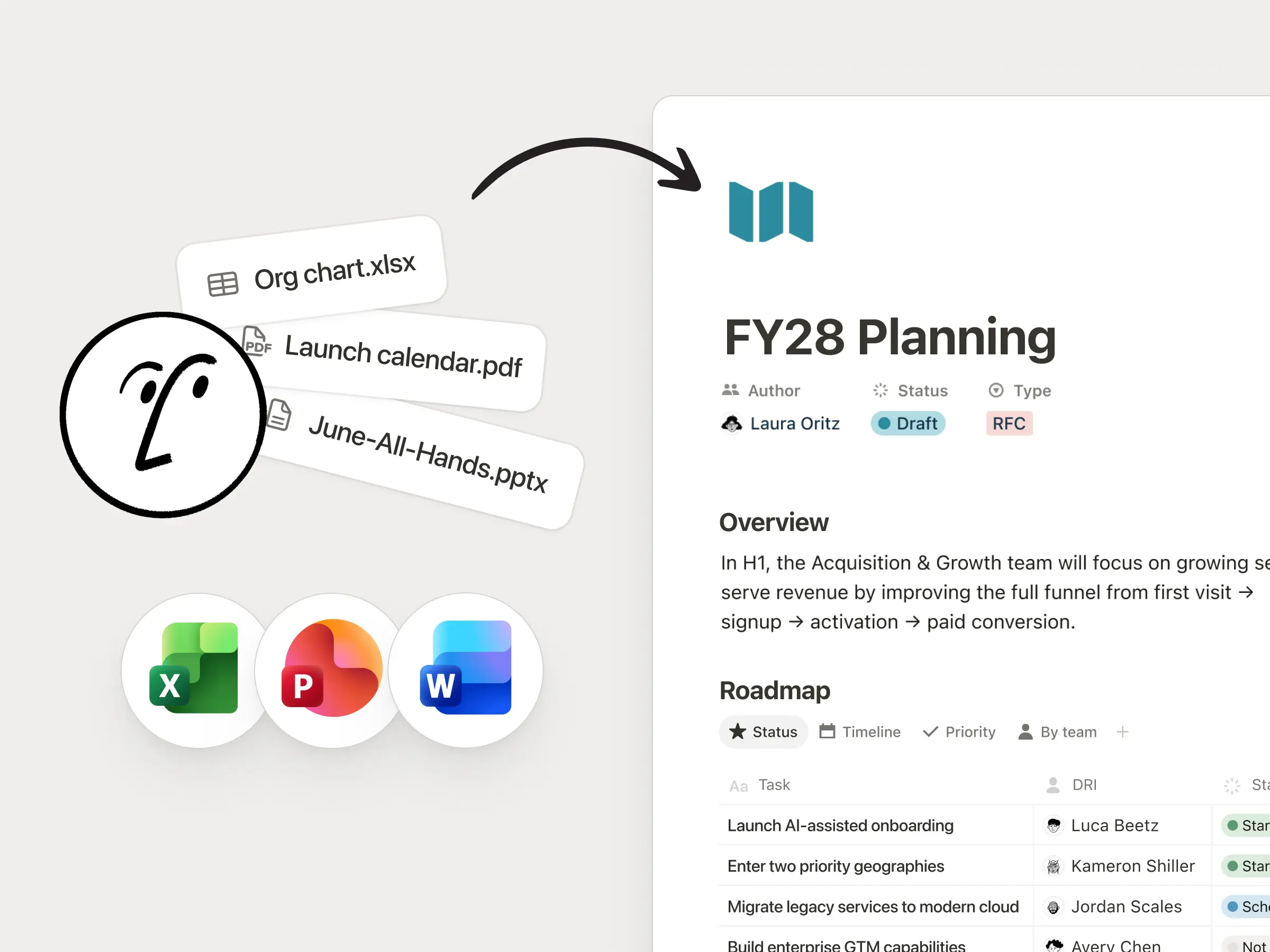
Worker geben uns die Werkzeuge an die Hand, um tiefgreifende Integrationen in Notion zu erstellen, die es vorher einfach nicht geben konnte. Wir haben einen Worker, der jede Nacht ausgeführt wird und nicht bearbeitbare PDFs in unserem Google Drive synchronisiert und in umfangreiche, vollständig bearbeitbare Seiten in einer organisierten Notion-Datenbank umwandelt. Er macht diese Daten für unser Team und unsere Agenten zugänglich – und spart uns jede Menge Zeit.
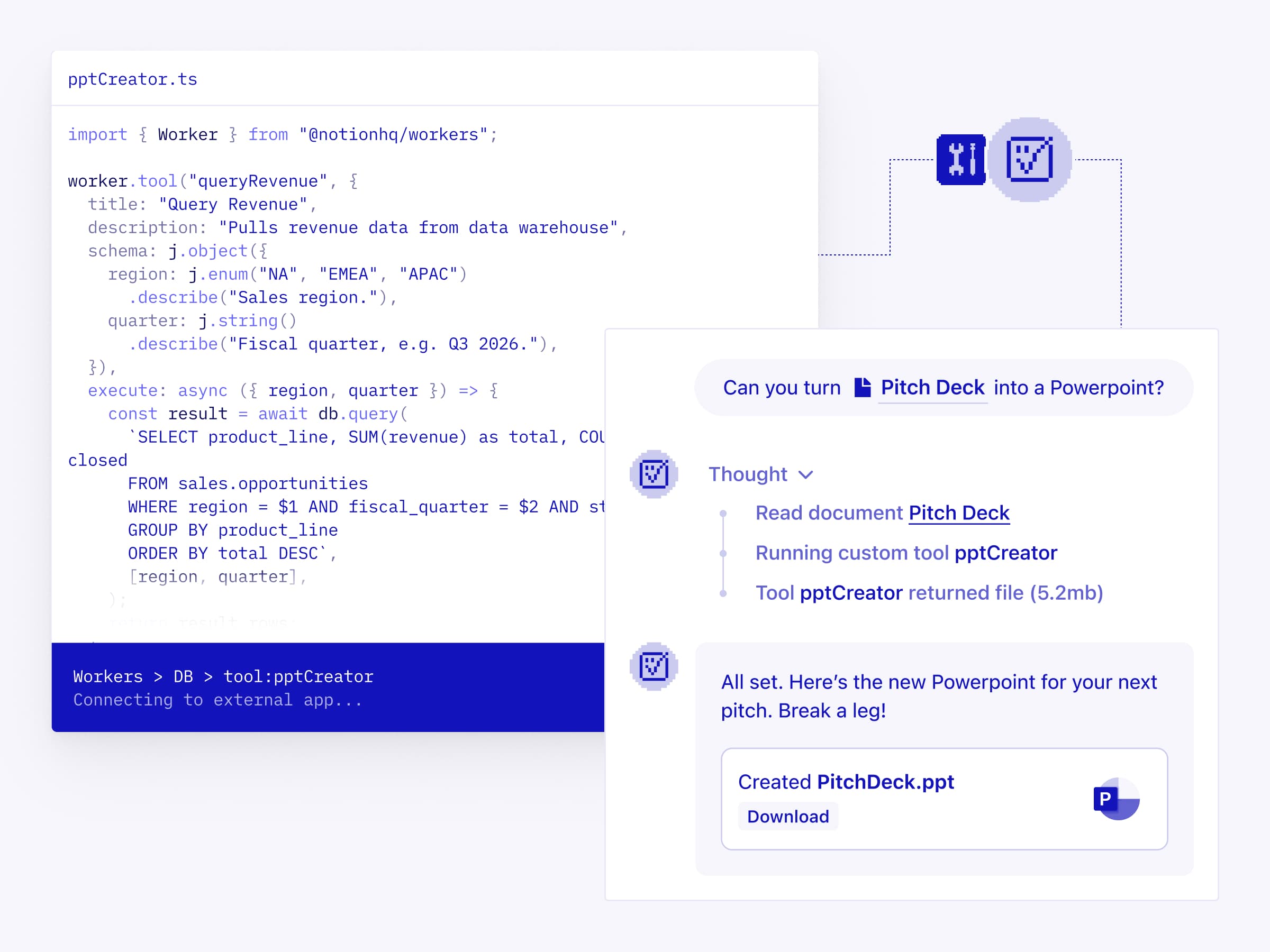
Statte deine Personalisierten Agenten mit Funktionen aus, die Notion und MCP allein nicht abdecken. Schreibe deine Logik in Code und stelle sie als Worker bereit. Dieses Vorgehen ist deterministisch und daher zuverlässiger als LLM-Reasoning und verursacht nur einen Bruchteil der Token-Kosten. Verwende sie, um Assets zu generieren, interne Daten abzufragen oder Aktionen in jeder beliebigen anderen App auszuführen. Dokumentation lesen →
Ich betrachte Workers als Infrastruktur: Sie füllen die von mir benötigten Systeme automatisch aus, aktualisieren sie automatisch und richten sie ein.
Initiiere Notion-Workflows von überall aus (Beta)
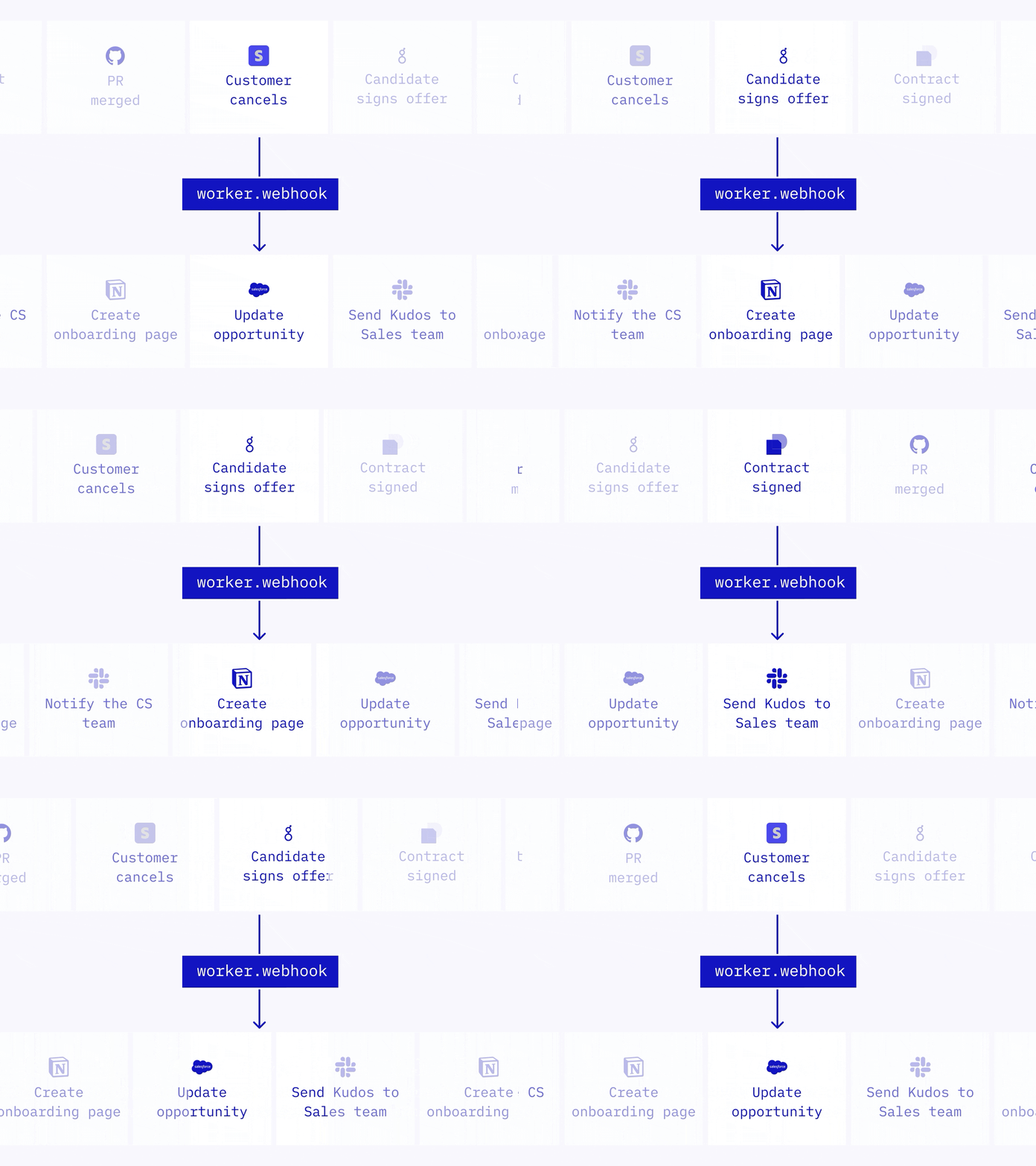
Webhooks waren früher eine Einbahnstraße: Notion konnte deine anderen Apps auslösen, aber nicht umgekehrt. Jetzt kann jede beliebige App Notion direkt auslösen. Ein Worker erhält den Webhook, führt deine Logik aus und führt Aktionen in Notion aus oder ruft andere APIs auf. Verwende ihn, um Aufgaben abzuschließen, wenn ein PR zusammengeführt wird, dein CRM zu aktualisieren, wenn sich ein Abo ändert, oder ein Onboarding-Dokument zu erstellen, wenn ein Angebot unterzeichnet wird. Dokumentation lesen →
Lerne deine Worker kennen
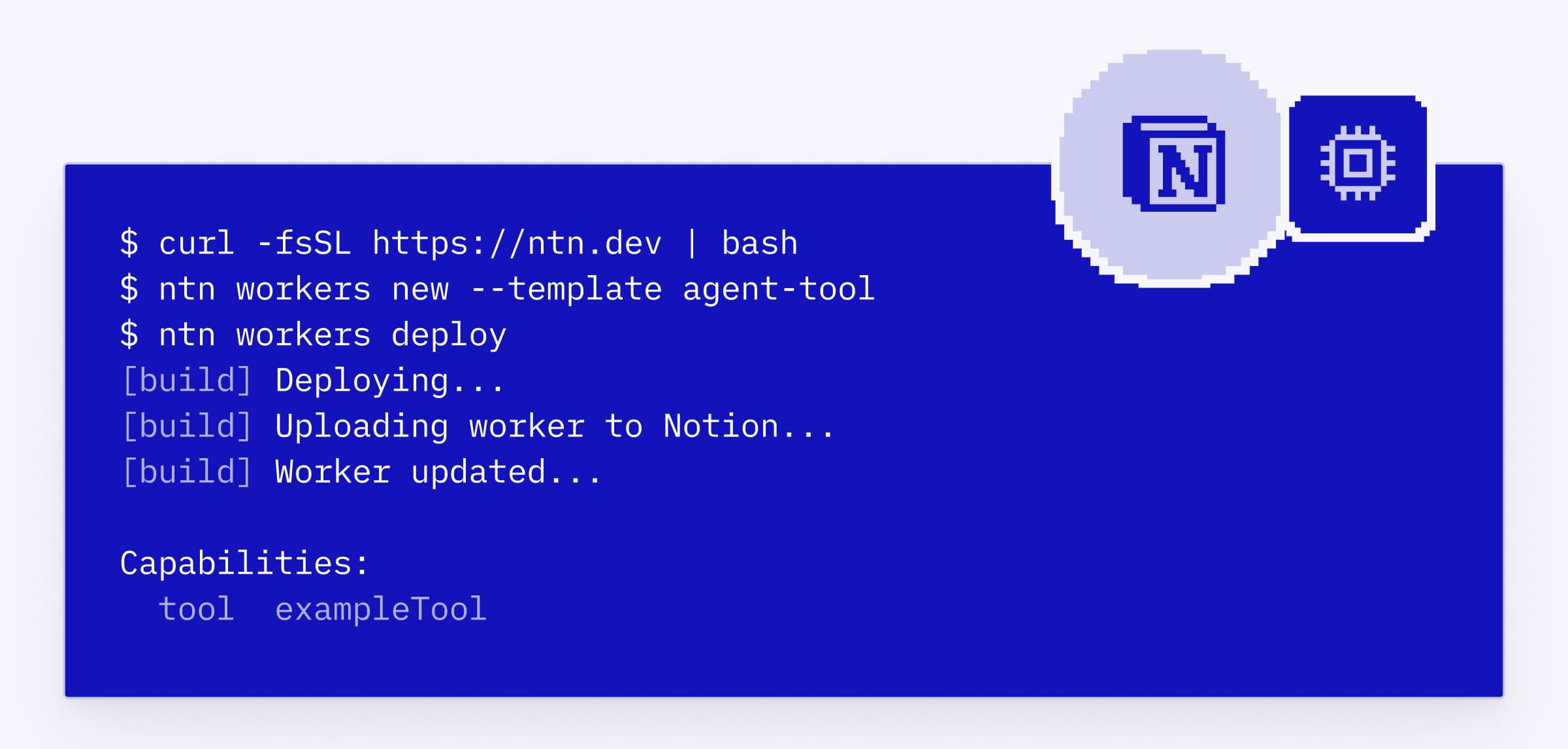
Datenbanksynchronisierungen, Agenten-Tools und Webhook-Auslöser werden alle von einer neuen Stammfunktion unterstützt, das wir Workers nennen. Workers ist unsere gehostete Laufzeitumgebung für individuellen Code, sodass du Notion erweitern kannst, ohne eigene Server betreiben zu müssen. Du und dein Coding-Agent schreibt den Code, stellt ihn über das CLI bereit und führt ihn in einer sicheren Sandbox aus. Workers kann während der Betaphase kostenlos getestet werden. Ab 11. August 2026 wird Workers mit Notion-Guthaben ausgeführt. Dokumentation lesen →
Mit Workers können wir eine direkte Verbindung zu den APIs anderer Tools herstellen und Aufgaben automatisieren, die früher manuell erledigt werden mussten. Notion wird zur Verbindungsebene, und Workers schließt alle Lücken zwischen deinen Tools.
Technical Program Manager bei Vercel
Ein Notion-CLI, entwickelt für Entwickler/-innen und Coding-Agenten
Das Notion-CLI (Command-Line-Interface), das speziell für Entwickler/-innen und Coding-Agenten entwickelt wurde, ist eine neue Möglichkeit, programmgesteuert mit Notion zu arbeiten. Verwende es, um dich in deinem Workspace anzumelden, Inhalte in Notion zu lesen und dort Aktionen auszuführen, Worker zu erstellen und bereitzustellen und Notion je nach den Anforderungen deines Teams zu erweitern. Führe zur Installation folgenden Befehl aus: `curl -fsSL https://ntn.dev | bash`. Demo ansehen →
Verwende deine Notion Agenten in jeder beliebigen App (Alpha)
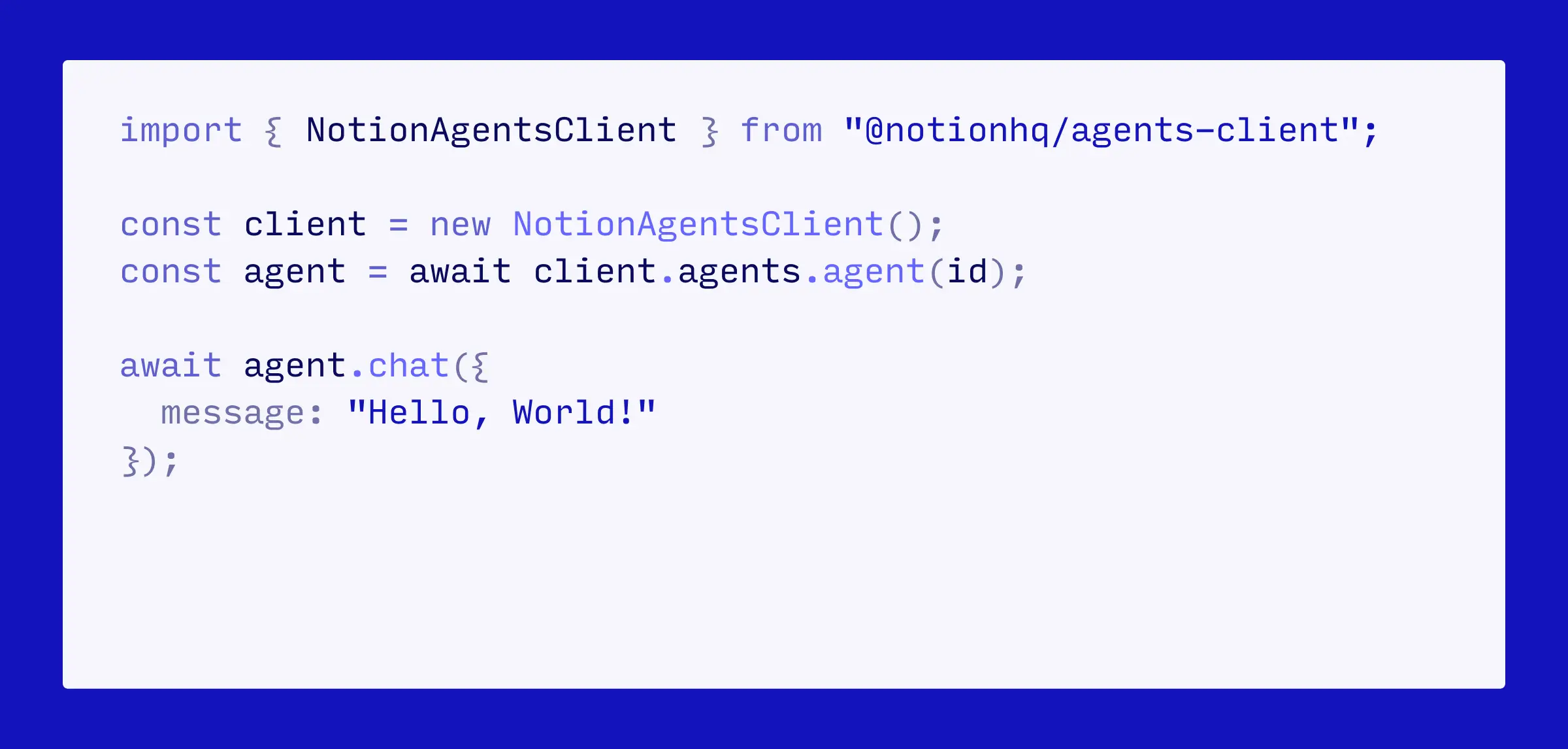
Bald müssen deine Notion Agenten nicht mehr in Notion bleiben. Mithilfe des Notion-Agenten-SDK kannst du einen Agenten in deine anderen Tools einbetten. Löse über einen Button in deinem CRM einen Geschäftsbericht aus. Beantworte häufig gestellte Fragen in MS Teams oder Discord mit verifiziertem Wissen aus deinem Workspace. Oder binde den Kundenkontext in Amplitude, Hex oder ein beliebiges Dashboard ein. Lasse dich auf die Warteliste für das Agenten-SDK setzen →
Verwalte alle Verbindungen über einen einzigen Tab
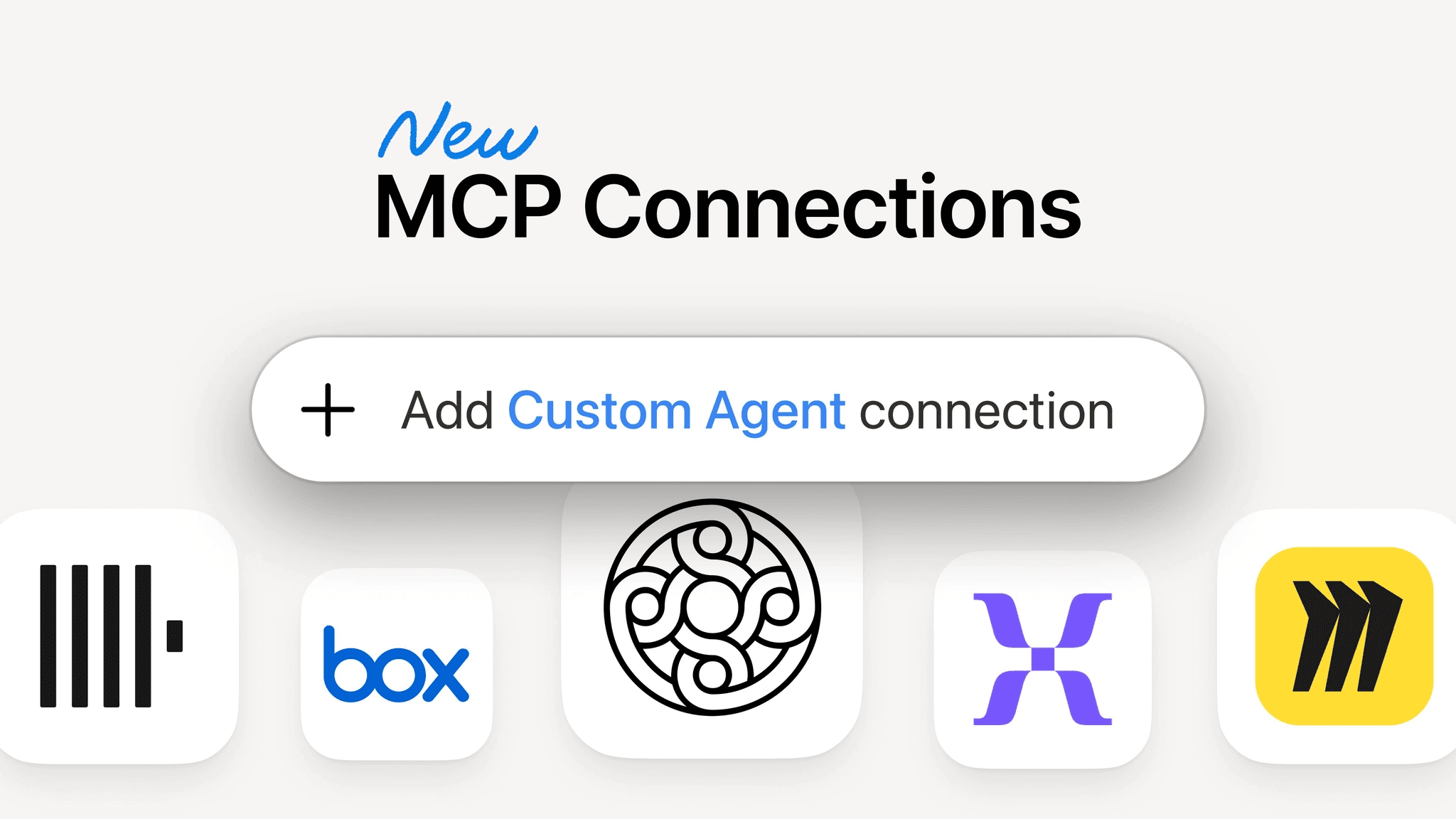
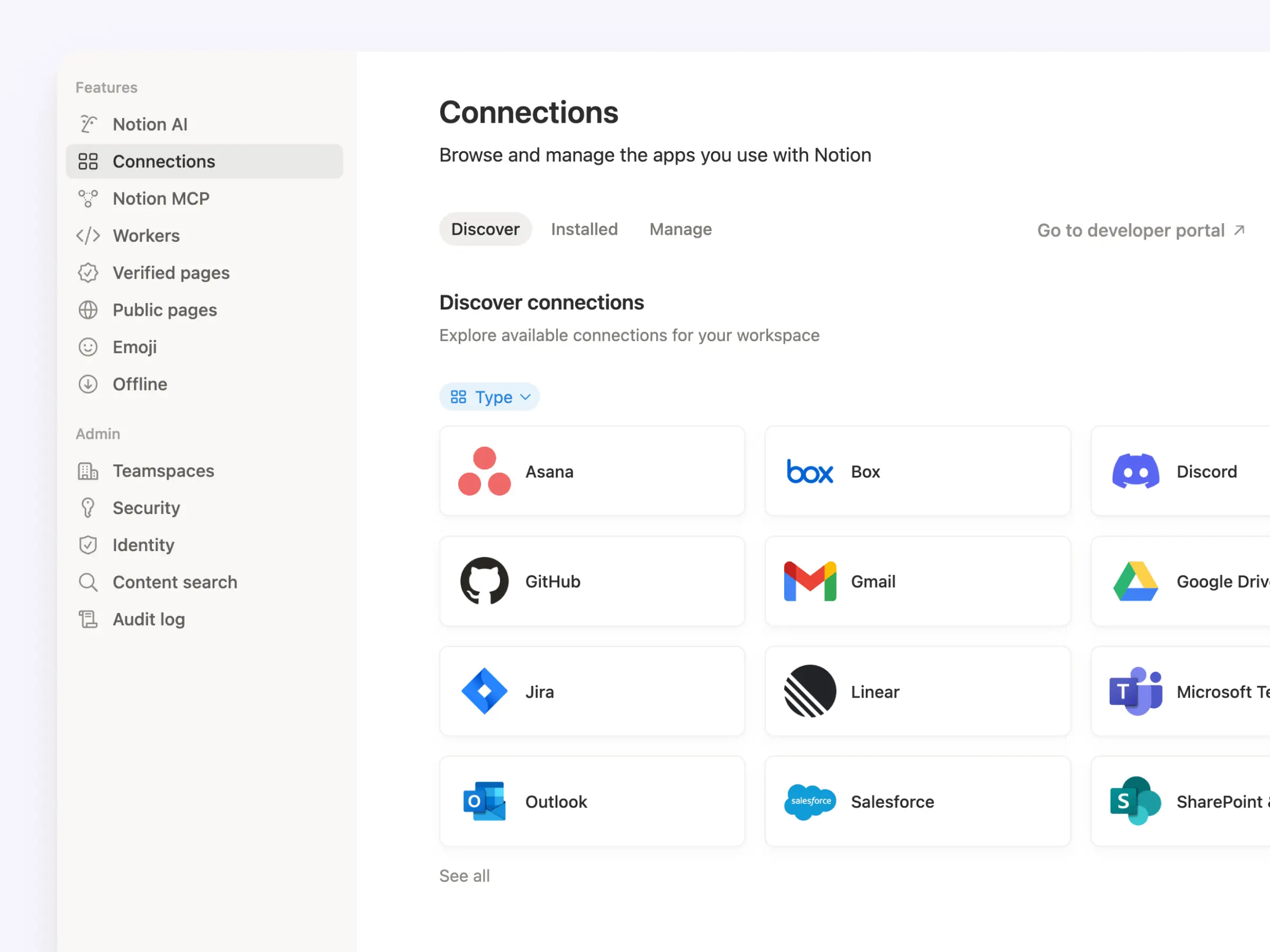
Wir haben den Tab für Verbindungen in den Workspace-Einstellungen aktualisiert. Jetzt befinden sich alle Verbindungen an einem Ort, sodass dein Team auf einen Blick alles sehen kann, was verfügbar ist. Dazu gehören persönliche und Workspace-Verbindungen, persönliche Zugriffstoken für die API-Authentifizierung und interne API-Verbindungen. Außerdem zeigt jede App alle Verbindungsarten in einer einzigen Liste an. Gehe zu Einstellungen → Verbindungen, um es dir anzusehen (oder klicke hier).
„Hall of Fame“ der Agenten
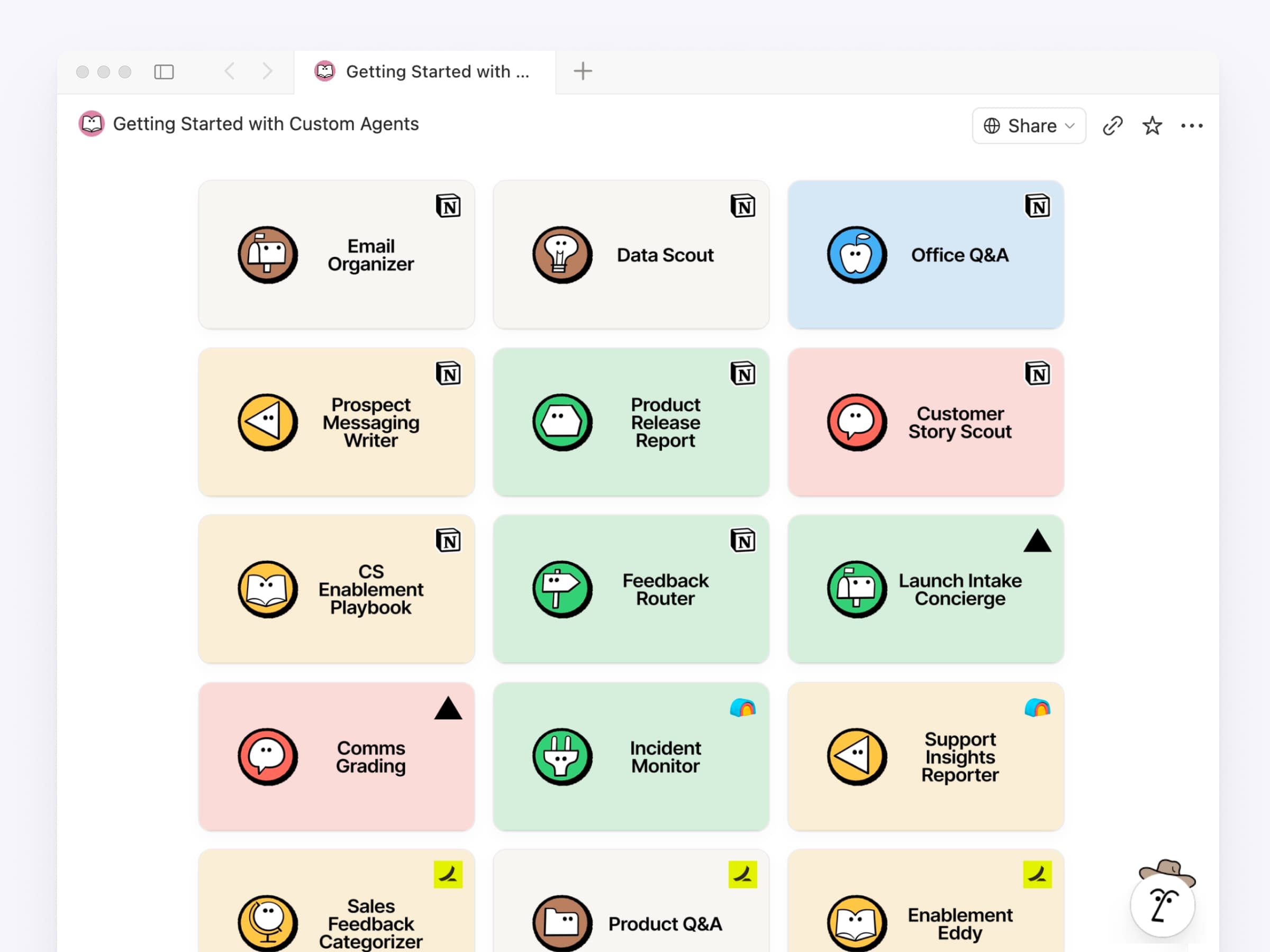
Zu wissen, welche Agenten du erstellen sollst, kann der schwierigste Teil sein. Deshalb haben wir die besten Agenten von Unternehmen wie Ramp, Clay und Vercel in einer Bibliothek zusammengefasst. Zu jedem Agenten gibt es eine Checkliste mit genau den Dingen, die du benötigst (Datenbanken, Seiten, Tools), sowie einen Starter-Prompt, den du kopieren und einfügen kannst. Wähle einen aus und richte ihn in wenigen Minuten ein. Sammlung durchstöbern →
Weitere Updates, die deine Entwickler/-innen lieben werden
Markdown API: Falls du es noch nicht mitbekommen hast: Du kannst Notion-Seiten jetzt als Markdown lesen und schreiben. Entwickelt für die Art und Weise, wie Agenten bereits denken.
Notion MCP: Funktioniert jetzt mit Meeting-Notizen und Blockkommentaren, und das Erstellen und Aktualisieren von Datenbanken ist jetzt um 91 % token-effizienter.
Notion-API: Jedes Mitglied kann Verbindungen erstellen (nicht nur Workspace-Besitzer/-innen). Außerdem gibt es Workspace-spezifische OAuth- und persönliche Zugriffstoken. Neuerungen anzeigen →
Developer Portal: app.notion.com/developers ist jetzt ein spezielles Portal zum Erstellen, Verwalten und Listen deiner Verbindungen und Token.
Dokumente für Entwickler/-innen: Überarbeitet und optimiert, um mehr Übersichtlichkeit zu bieten, mit einem integrierten KI-Assistenten, der dir hilft, alles zu finden, was du brauchst.
Das ist erst der Anfang der Notion Developer Platform. Beliebige Daten, jedes denkbare Tool, jeder vorstellbare Agent – und das alles auf unserer Infrastruktur. Wir können es kaum erwarten, zu sehen, was du entwickelst.
Schicke uns gerne weiteres Feedback!
PS: Wir haben all diese Neuigkeiten und mehr bei Make with Notion angekündigt: Developer Platform. Keynote ansehen →
PPS: Möchtest du wissen, was Teams bereits erstellen? Erfahre, wie Every, Brainlabs und Vercel unsere Developer Platform in der Produktion einsetzen.
PPPS: Noch etwas. Du kannst jetzt Zellen in einfachen Tabellen zusammenführen, genau wie in einem Spreadsheet. Auch darüber freuen wir uns sehr.